# How to Build a Ticking Clock With REACT
Hi guys! In this article, we will be building a digital ticking clock with React, Cool Right? :)

### Quick Introduction to React and a Digital clock:
## REACT
[React](https://reactjs.org/) is a JavaScript library created by Facebook
[React](https://reactjs.org/) is a User Interface (UI) library
[React](https://reactjs.org/) is a tool for building UI components
## DIGITAL CLOCK
A digital clock is a type of clock that displays the time digitally (i.e. in numerals or other symbols), as opposed to an analog clock, where the time is indicated by the positions of rotating hands.
Now we are going to start by creating a react app, Go to any directory of your choice on your window terminal and type the following at the command prompt.
---
`npx create-react-app ticking-clock-with-react `
After a successful installation then Change the Directory
`cd ticking-clock-with-react `
Start the React Application
`npm start `
#### You should see this on your browser. Don't worry it might take a couple of minutes.
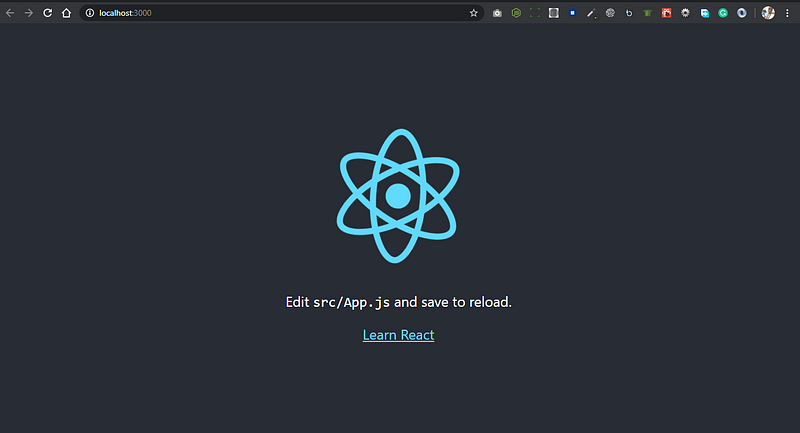
Happy Hacking!
Now let's open our application in any IDE of your choice, I use [visual studio code](https://code.visualstudio.com/) for my development feel free to use any IDE of your choice.
You should see the file structure looking this way:
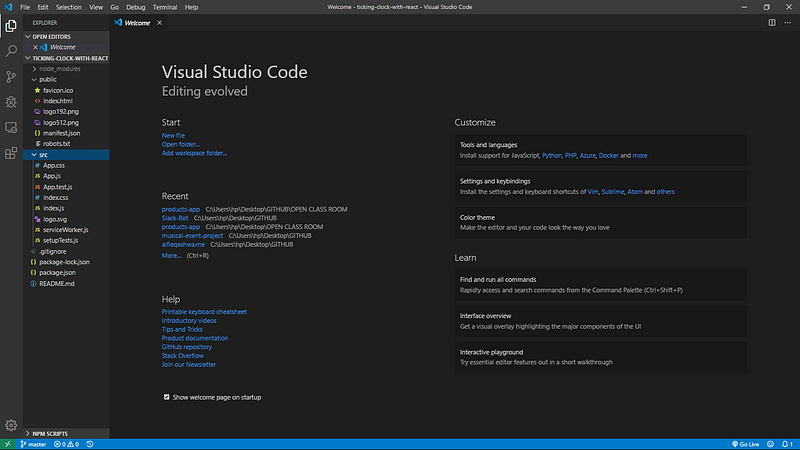
In the App.js We need to change it from a functional component to a class-based component. You should have something like the screenshot below, if you don't just skip this step.
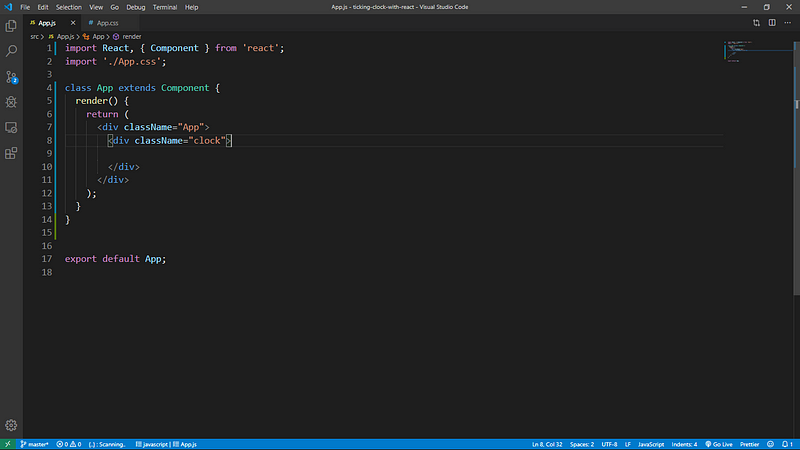
```
import React, { Component } from 'react';
import './App.css';
class App extends Component {
render() {
return (
);}
}
export default App;
```
Then your App.css, You should have something like the screenshot below
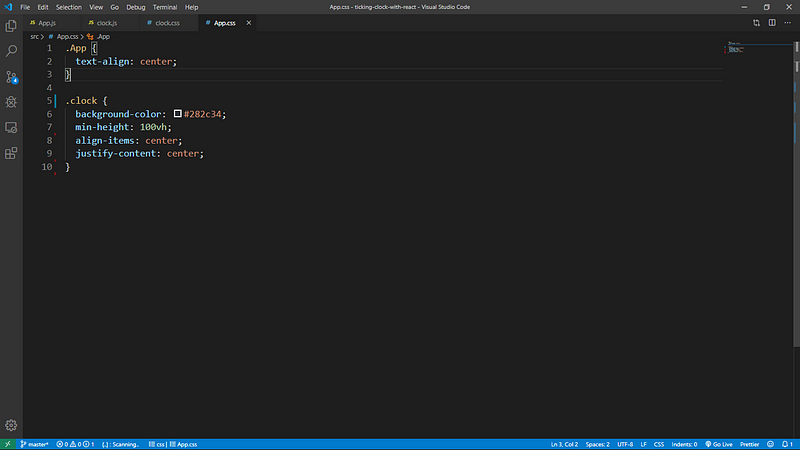
```
.App {
text-align: center;
}
.clock {
background-color: #282c34;
min-height: 100vh;
align-items: center;
justify-content: center;
}
```
Now let us create the clock component with the names clock.js and clock.css for styling it inside the src folder.
Insert the code snippet below into the clock.js component that was created earlier.
```
import React, { Component } from 'react';
class Clock extends Component {
constructor(props){
super(props);
//This declared the state of time at the very beginning
this.state ={
time: new Date().toLocaleTimeString()
}
}
//This happens when the component mount and the setInterval function get called with a call back function updateClock()
componentDidMount() {
this.intervalID = setInterval(() =>
this.updateClock(),
1000
);}
//This section clears setInterval by calling intervalID so as to optimise memory
componentWillUnmount(){
clearInterval(this.intervalID)
}
//This function set the state of the time to a new time
updateClock(){
this.setState({
time: new Date().toLocaleTimeString()
});
}
render() {
return (
);}
}
export default Clock;
```
Now you need to import Clock from ‘./clock’; in the App.js file for you to see the clock on your web browser. See Screenshot Below
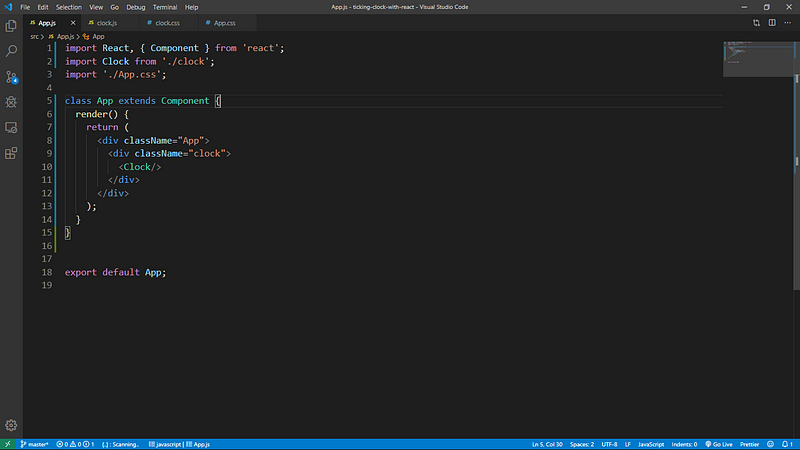
In the clock.css file add this snippet:
```
.Time {
height: 500px;
width: 800px;
margin: auto;
position: absolute;
top: 0; left: 0; bottom: 0; right: 0;
padding-top: 70px;
font-family: courier, monospace;
color: white;
font-size: 110px;
}
```
Now you need to import ‘./clock.css’; in the clock.js as shown below:

On your browser, you should see this
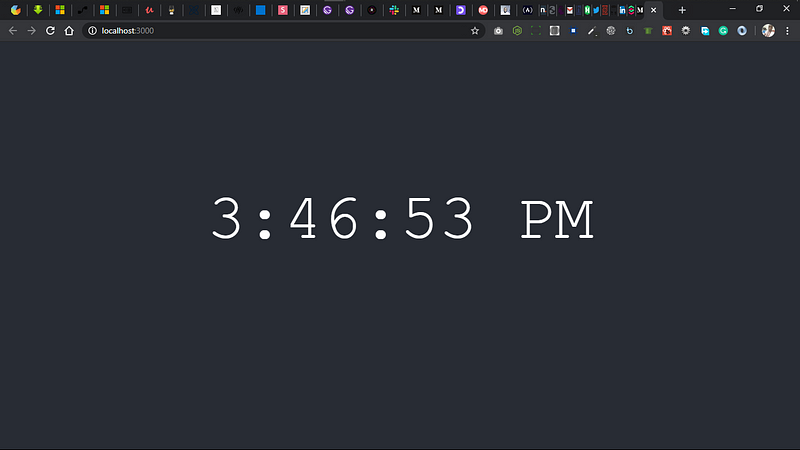
Your App.js should have this:
```
import React, { Component } from 'react';
import Clock from './clock';
import './App.css';
class App extends Component {
render() {
return (
);
}
}
export default App;
```
Finally: Our clock ticks and works perfectly :)
[Click here to find the repository on Github](https://github.com/Olanetsoft/Ticking-Clock-With-React).
Don't forget to star the repo and give a thumbs up here!!!
I'd love to connect with you at [Twitter](https://twitter.com/olanetsoft) | [LinkedIn](https://www.linkedin.com/in/olubisi-idris-ayinde-05727b17a/) | [GitHub](https://github.com/Olanetsoft)
See you in my next blog article. Take care!!!